How I use AI tools to work smarter as a designer
As a digital designer juggling multiple projects, I’m always looking for ways to streamline my workflow and still deliver high-quality work. That’s where AI tools have come in handy. They’ve helped me save time, improve efficiency, and focus on the more creative parts of my job. Here’s a look at how I’m using these tools to my advantage:
ChatGPT for socials: Generating ideas and writing copy
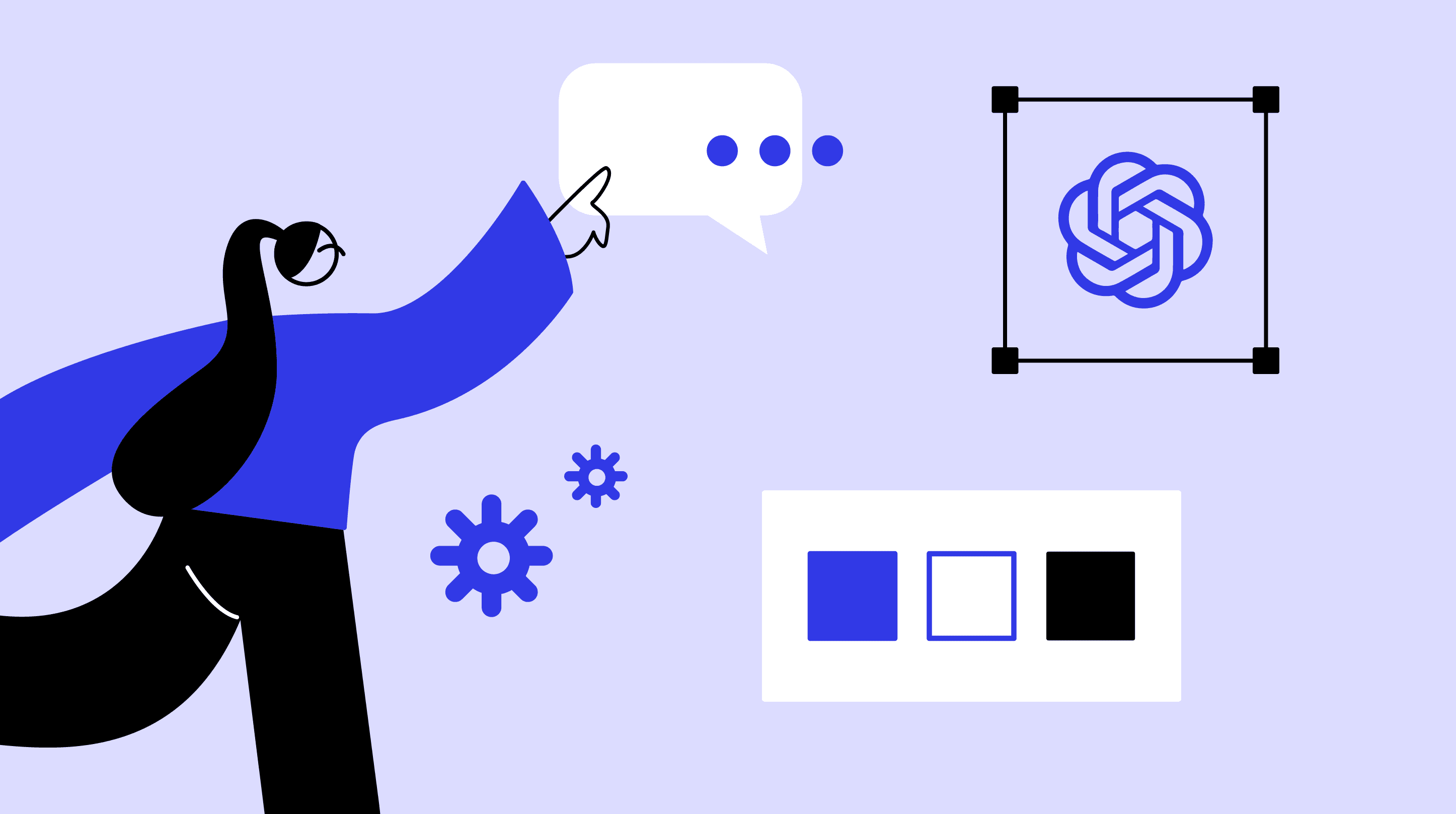
Social media content can be a lot to handle, especially when you’re working on several projects at once. ChatGPT has become my go-to for brainstorming post ideas and writing copy. Need a quick headline? ChatGPT’s got it. Need to craft the perfect caption? Done in no time. It’s like having a writing assistant that helps me whip up content in minutes, which is great when deadlines are tight.

Adobe FireFly for image generation
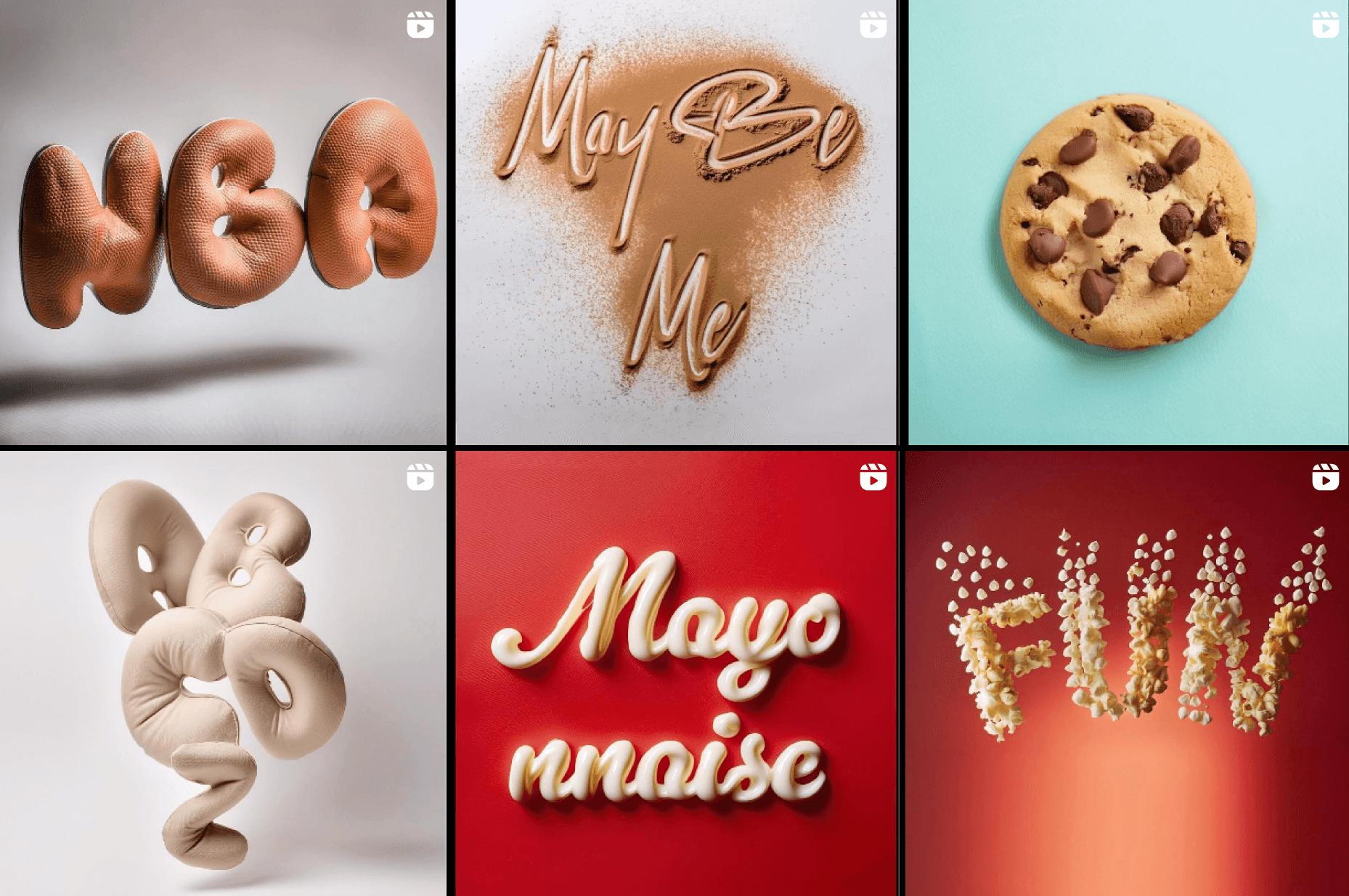
We’ve all been there—searching endlessly for the perfect stock image but coming up empty-handed. When that happens, I turn to Adobe FireFly. This tool lets me generate images based on prompts, or I can upload a reference image to get something closer to what I need. It’s perfect when I’ve got a unique idea that would take ages to design manually. And if I need a free alternative, Ideogram works like a charm, too.
TIP: You can follow @jadkassis on Instagram or TikTok for easy Adobe Firefly tutorials!
Adobe Photoshop for expanding images
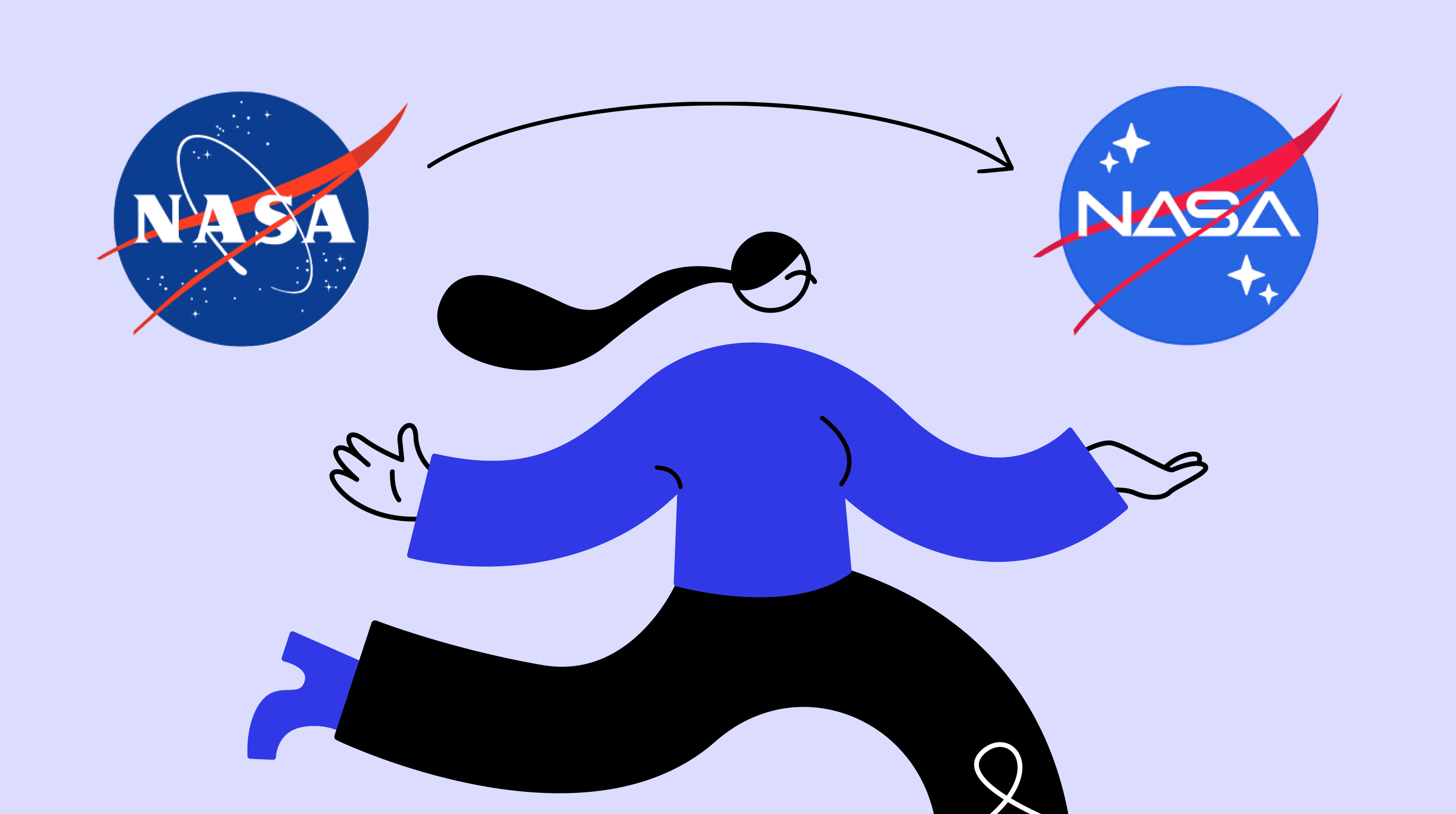
Scaling images for different platforms is a pretty standard part of my job, but it can be a pain. That’s where Adobe Photoshop comes in handy, especially for things like Google Display banners that need to be resized across multiple dimensions. Photoshop’s AI feature lets me expand images without losing quality, making sure they look great whether they’re on a tiny phone screen or a massive desktop display.

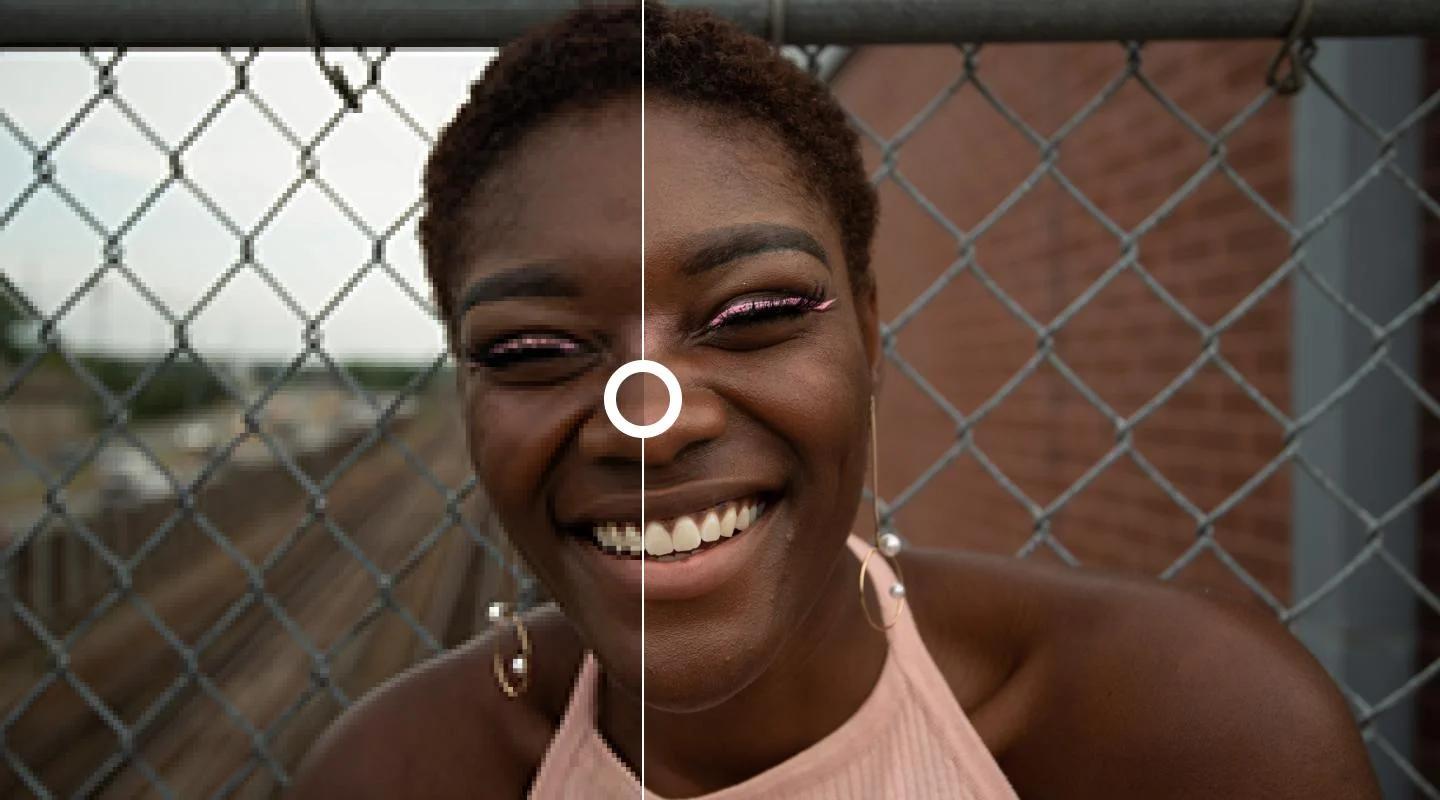
Let’s Enhance for upscaling low-resolution images
It’s not uncommon for clients to send low-res images that aren’t usable in their original form. That’s when I fire up Let’s Enhance. It upscales low-quality images, turning them into something I can actually work with. It’s honestly a lifesaver when I get stuck with images that would otherwise be a nightmare to fix.
Khroma for color palettes
When it comes to branding projects, finding the right color palette can take some time. But Khroma makes it easier by generating color schemes based on my preferences. It’s great for experimenting with new combinations and finding inspiration when I need something fresh. Plus, it’s quick, so I can test out ideas and see what works without getting bogged down.

To sum up
AI tools have made my design process faster and more efficient, allowing me to focus on the fun, creative parts of my work. Whether I’m coming up with content ideas using ChatGPT, generating images with Adobe FireFly, or fixing low-res images with Let’s Enhance, these tools are my secret weapons for working smarter, not harder.